

| aLkaLiNE said: ok so after you do the test, how do you take a screen shot of it d: Ive hit prnt screen, tried holding cntrl and then pressing prnt screen, tried alt+prnt screen... >_> |
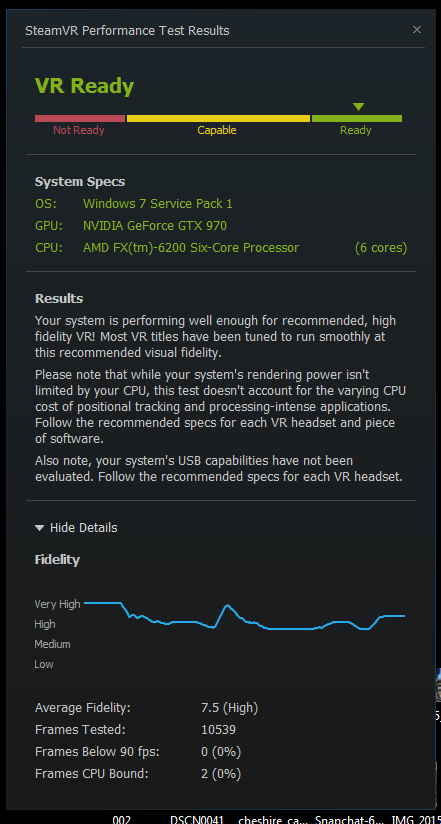
Well, you use PrtScr which will put a screenschot of the screen into the clipboard (the same place where stuff goes to wait for pasting when you copy it). To get it out of there, just paste (right click -> paste or Ctrl+V) it into Paint. Alternatively, you could press Alt+PrtScr, which will only take a screenshot of your active window and put it into the clipboard. If it's just a single window you want to take a screenshot of, Alt+PrtScr is better because you don't have to do any cropping in Paint.
tl;dr: PrtScr (full screen) or Alt+PrtScr (active window), then paste (Ctrl+V) into Paint.
Or then there's the snipping tool (which I didn't even know about before this). It's handy but you have to do the selection manually, which could leave some ugly borders:
deskpro2k3 said:
use the snipping tool.
you can even type it into the search bar. save it, and then upload it. |


Wow, I didn't even know about this one. Thanks! :D