Marucha said:
kain_kusanagi said:
Trunkin said:
You don't have a tablet? Mine's a hand-me-down, but Wacom's Bamboo tablets are pretty cheap these days. I'm guessing you use the classic scanner/paper combo to do your work, then? Does that mean you do your lineart with a mouse? I can't even draw a stick man with a mouse!
|
Yep, good old pencil to scanner combo. Most of the time I leave the dirty pencil lines and just enhance them. Then I like to do a water color style background and coloring job. Sometimes I'll paint over the pencil lines completely and other times I'll redraw them in Photoshop.
Right now I just have my dependable laser mouse. I've never even used a tablet or a light pen. I've always done it all with a mouse. It was tricky, but now I can do it well enough that I'm happy with the results. I've wanted a drawing tablet for a long time, but every time I start shopping for one I find other stuff to waste my money on.
I really should just buy one. I've looked at the Wacom tablets and I like what I've seen. I want to get a nice big one. I've also been considering getting one that doubles as a monitor. It would be pretty sweet to be able to draw right on the screen as if it's an interactive canvas.
Any tablet suggestions or tips you have would be greatly appreciated.
|
Very good to see your work here! It looks really good. The only thing I would suggest is adding some color temperature to your piece(s). Like the last Halo one is BEAUTIFULLY painted (I mean with a f'in mouse damn. Wrist strain lol). It could just be a good idea to add some color temperature to help boost depth to the scene... if you don't know what I'm talking about, you can google it :( But I can also post a page that covers tons of shit as well as shows you examples to help with other things in gen... always the fundamentals ♪
PSG Art Tutorial: http://androidarts.com/art_tut.htm
The Intuos3 has my favorite surface, no texture, but squishy... you can add paper on top or change the nib if you want texture. I own a I3 6 X 8 which works fine for laptop (15") but it cuts off a little bit at the bottom to fit in the widescreen. I have to use Intuos4 Large (12 X 8 active area) because I'm using a 23" widescreen in a dual screen setup... so if you plan to get a large screen, get a large format one. Edit: The only widescreen version of the I3 that exists though is the 6X11. Which I've used at school on 22" Macs... I highly recommend that one if you go i3 route. As I mentioned, they are pretty durable and can be knocked around quite a bit.
CS6 has a fully customizeable brush engine in the full version of Photoshop. I highly recommend it if you do get a tablet... there are a ton of Photoshop videos out there now compared to when I was learning... so it's not like you will ever be short on study material. There are also a lot of low cost/no-cost alternatives... Paint tool Sai (the Japanese love to use it for anime/manga paintings), Artrage, are a few I know offhand.
Many people do lots of beautiful work at these sites but for the most part, 99% own tablets:
http://www.cghub.com
http://www.cgsociety.org (lots of 3d)
Tutorials for tablets:
http://www.youtube.com/watch?v=abgTcIcsRMQ&feature=related
Textures: http://www.rivermanmedia.com/art/73-digital-color-mixing-exercise
I would hold off on the Cintiq model, the one you can paint on the screen. I've heard they don't have the best screen color accuracy wise and you may prefer the tablet to leaning over the screen when working.
I dabled a little in pixel art. I got an app on my Android, but it's a bit glitchy. I did my husband's avatar recently. It's something I'm interesting trying more :)


|
Thanks for all the great info! You really went out of your way and even highlighted the important stuff. I'm deffinitly going to refer to your post while I shop and consider a tablet. Oh and thanks for the PSG Art Tutorial link. I've added it to my art bookmarks.
If you get into pixel art you should consider trying animated gifs. Since pixel art uses so few pixels it's fun and fast to make animated characters. It'sa great way to try out animation without getting in over your head, if your interested.
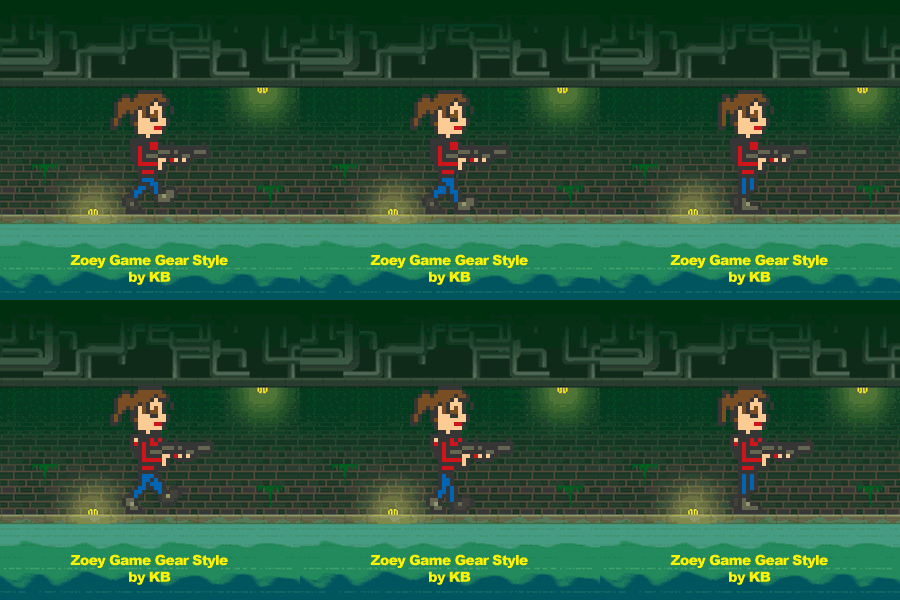
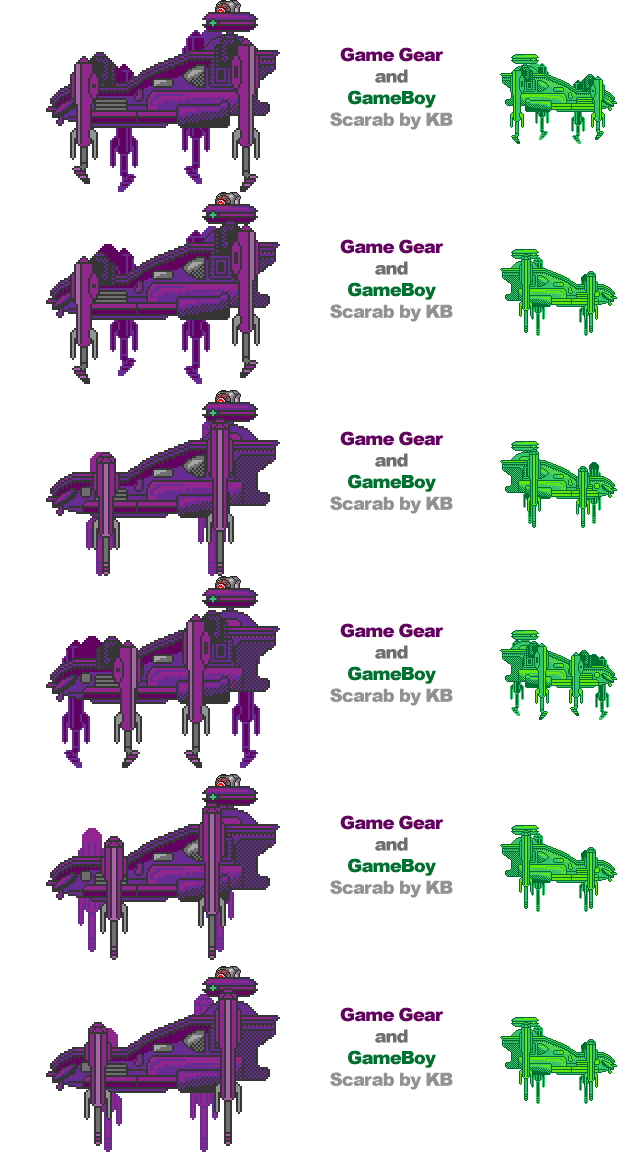
Here's some of my pixel art from some of my games:
Magic Star Night

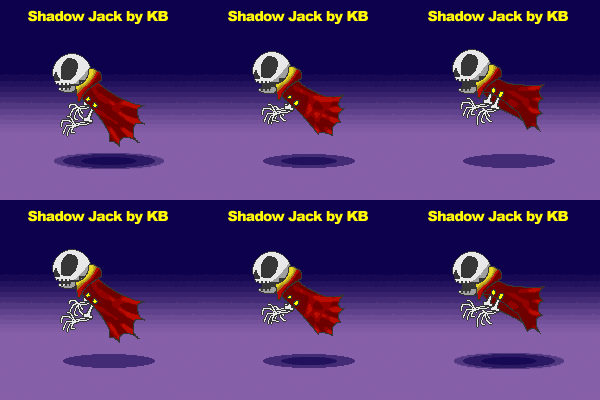
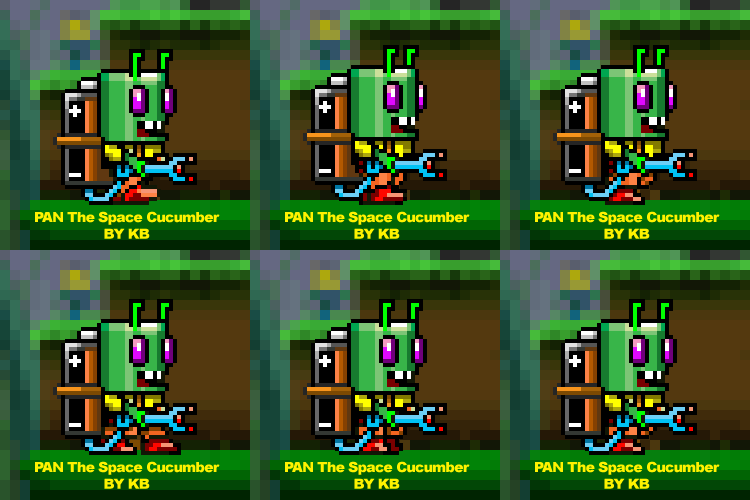
Panic! on Planet Space Cucumber
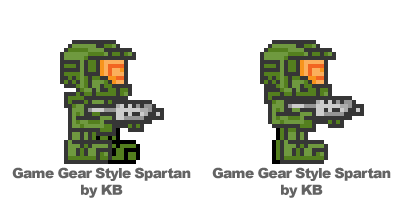
Halo Gallant Girl (Game Gear) & Halo Gallant Belle (Gameboy)

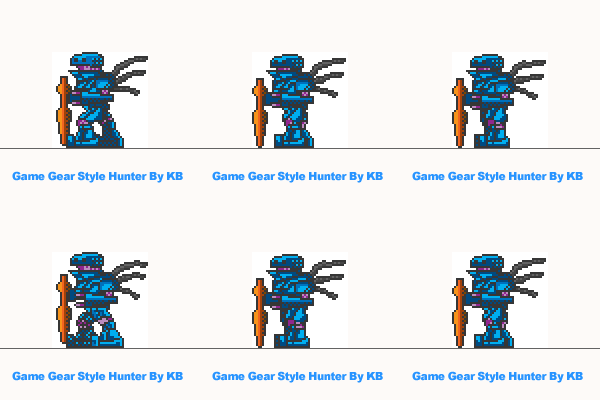
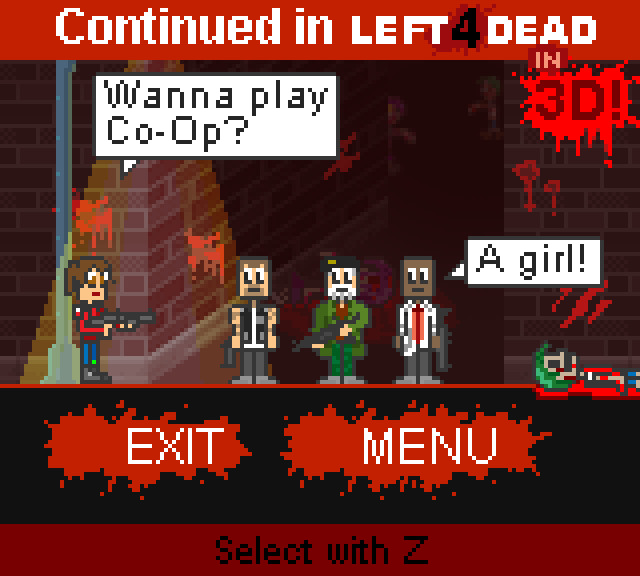
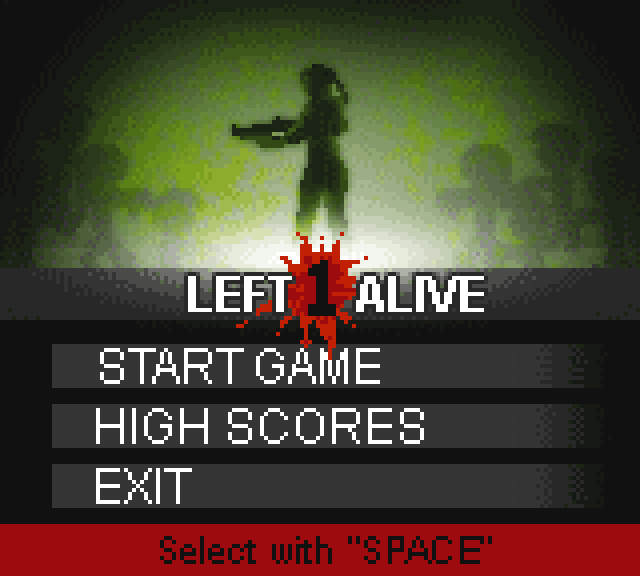
Left 1 Alive