By using this site, you agree to our Privacy Policy and our Terms of Use. Close

Forums - PC - HELP!!! My computer screen is completely messed up.

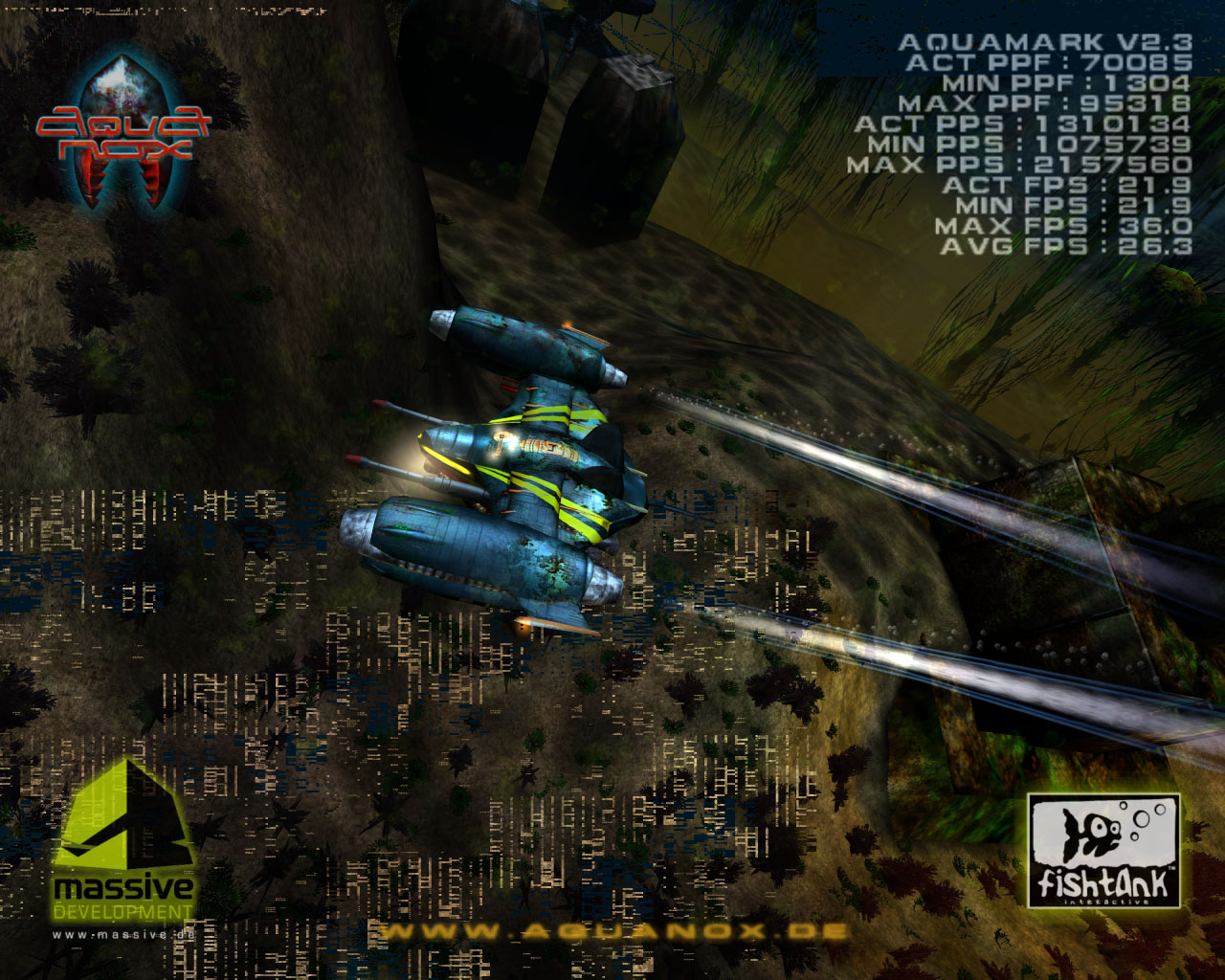
There are four vertical lines, one pixel in length, running all the way down my computer screen, that are a different colour to the rest of the screen. It looks like they are vibrating up and down.

Also, in the middle of my screen, there is a box of pixels about 4 inches wide, from the top to the bottom of the screen, with the same problem.

Its a Mac so the motherboard is built in to the monitor, so I don't want to have to replace it if possible. Does anyone have any ideas about what to do?

(p.s sorry for the really bad explanantion)

Edit: This isn't it, but it looks like the bit in the middle:


Around the Network

Hmmm... sometimes after 2 weeks not shutting down my mac it happens to me but with a black horizontal line across my screen.. Just restart your mac.. if that didn't work... go to your nearest apple support center... :(


Face the future.. Gamecenter ID: nikkom_nl (oh no he didn't!!) 

Yeah I haven't shut it down for a while. I'll try it now.


That really sounds like a hardware problem. Possibly the display, but more likely the video card. I hope your computer is on warranty, because there isn't much you can do except take it in for repairs.

Are the lines there all the time, or are they intermittent? Do they show up at startup?


"The worst part about these reviews is they are [subjective]--and their scores often depend on how drunk you got the media at a Street Fighter event."  — Mona Hamilton, Capcom Senior VP of Marketing
*Image indefinitely borrowed from BrainBoxLtd without his consent.

That seems like damaged GPU or Video RAM.

Sorry for your loss.


Around the Network
famousringo said:
That really sounds like a hardware problem. Possibly the display, but more likely the video card. I hope your computer is on warranty, because there isn't much you can do except take it in for repairs.

Are the lines there all the time, or are they intermittent? Do they show up at startup?

The four lines are perminent. But the block shows at start up, then after a while it corrects itself.


Those are called video artifacts, present when:

- GPU or memory gets overheated.

- GPU or memory are damaged.

If it's the second, you'll need to replace your Mac.


fazz said:

Those are called video artifacts, present when:

- GPU or memory gets overheated.

- GPU or memory are damaged.

If it's the second, you'll need to replace your Mac.


Bolded: Is there anyway of telling the difference without taking it to a Mac support centre?


tombi123 said:
fazz said:

Those are called video artifacts, present when:

- GPU or memory gets overheated.

- GPU or memory are damaged.

If it's the second, you'll need to replace your Mac.


Bolded: Is there anyway of telling the difference without taking it to a Mac support centre?


Well, don't know if there's something like Rivatuner for Mac, but you might as well turn your system down for some minutes, and turn it on again (with a floor fan or something like that helping on cooling). If the artifacts are like the same, then it's damaged. That's the only way I can think of.


This might be helpful, as long as you held onto your Mac's system restore disc:

http://macenstein.com/default/archives/569


"The worst part about these reviews is they are [subjective]--and their scores often depend on how drunk you got the media at a Street Fighter event."  — Mona Hamilton, Capcom Senior VP of Marketing
*Image indefinitely borrowed from BrainBoxLtd without his consent.