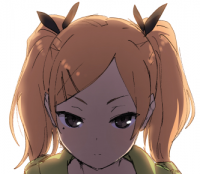
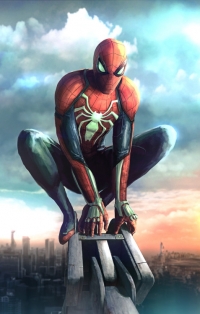
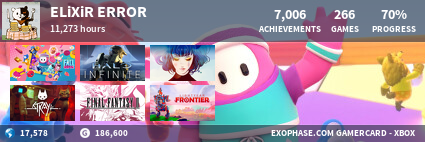
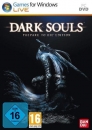
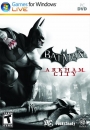
So yeah, as you can see from Slade and I, we have an Xbox Empire flag.
If anyone else wants to use it, I'll be creating an easy step by step guide.
Firstly, this was designed for pictures that are at least 200 pixels wide. If lower use at own risk :P
We'll be using a free online program that requires no downloads or anything! (thanks AlphaOmegasin for telling me about this, been using it ever since!)
Step one: Go to Pixlr
http://apps.pixlr.com/editor/
Step two: If your avatar is saved on your computer click "open image from computer" , if not you can use the url and click "open image from URL"
Step Three: Once your image is uploaded head over to the "image" tab and click "image size". If the width is greater than 200, downsize it to 200 pixels. Make sure to have constrained Proportions on.
200 pixels is the width size VGCharts uses on the profiles, 140 on forums. So to make sure we have a nice clear image for both we're going to need that width. As I mentioned earlier, less than 200 px isn't going to work perfectly with this flag because it's designed for 200px.
Step four: Click the "layer" tab and click on "Open image URL as layer"
Paste this URL http://i.imgur.com/0DuQHSq.png
Alternatively you can save the flag and click "Open Image as layer"

Step five: Click the "V" key on your keyboard or click on the "move tool" that is located in the upper left hand corner of the "tools" box on the left.
Position flag as desired
Step Six: Go to the "layer" tab again and click "flatten image"
Step seven: Click on the file tab and then click "save.." or CTRL + S
Personally I think PNG works really well but JPEG isn't a bad choice.
And well that's it, takes about 1 minute once you know what to do, any questions just ask me.