SMT said:
Weird, I tried to do it exactly as in the video and it didn't work. Well fortunately I have a shelf just above my TV and the wire doesn't really make the camera dawdle around too much when I place it on the shelf . My TV support isn't very high anyway so the shelf is at just the right height so I don't have to cringe while using the motion controller.
|
Sometimes if there is too much cord dangling you won't be able to do it.
You could try wrapping up some of the cord to shorten it down, that way the cord has to tug the Eye a bit. That or you could just tape something with a little weight to part of the USB cord to give it the weight required to get it to grip the front of the TV.
iPhone = Great gaming device. Don't agree? Who cares, because you're wrong.
Currently playing:
Final Fantasy VI (iOS), Final Fantasy: Record Keeper (iOS) & Dragon Quest V (iOS)
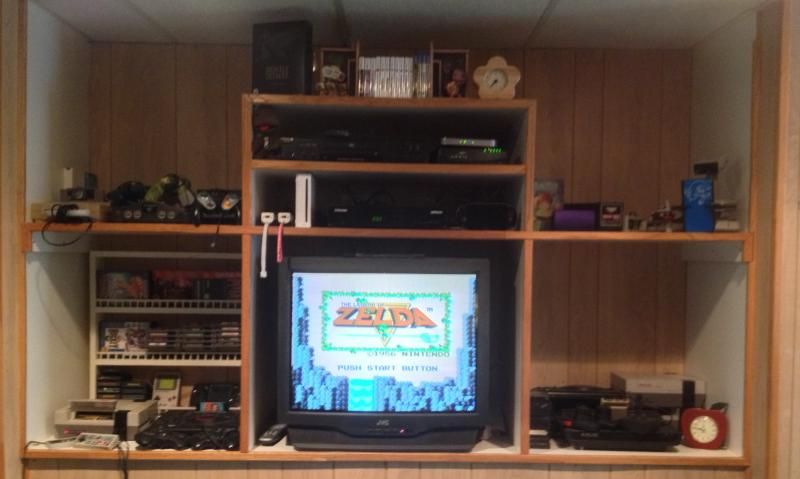

Got a retro room? Post it here!