









zarx on 27 April 2011
trasharmdsister12 said:
|
 You can resize the shots by clicking the edit button on your post, then clicking the button that says "HTML" in blue... that'll bring up the HTML editor. Then change each of the tags that say "<img src="NAMEOFIMAGE">" to "<img src="NAMEOFIMAGE" width=650>". Then click "Update" and "Post"
width="100%" works better as it resizes the pic to the width of the container it's in so it displays correctly at any resolution. Also remember to remove the hight tag otherwise the pic will stretched/skewed out of it's aspect ratio.
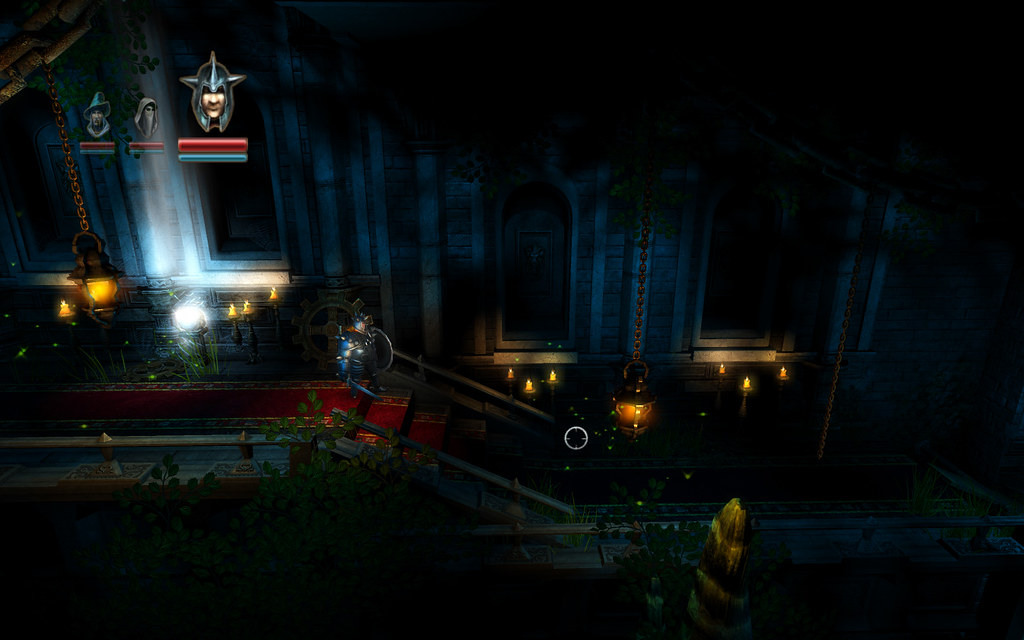
Trine

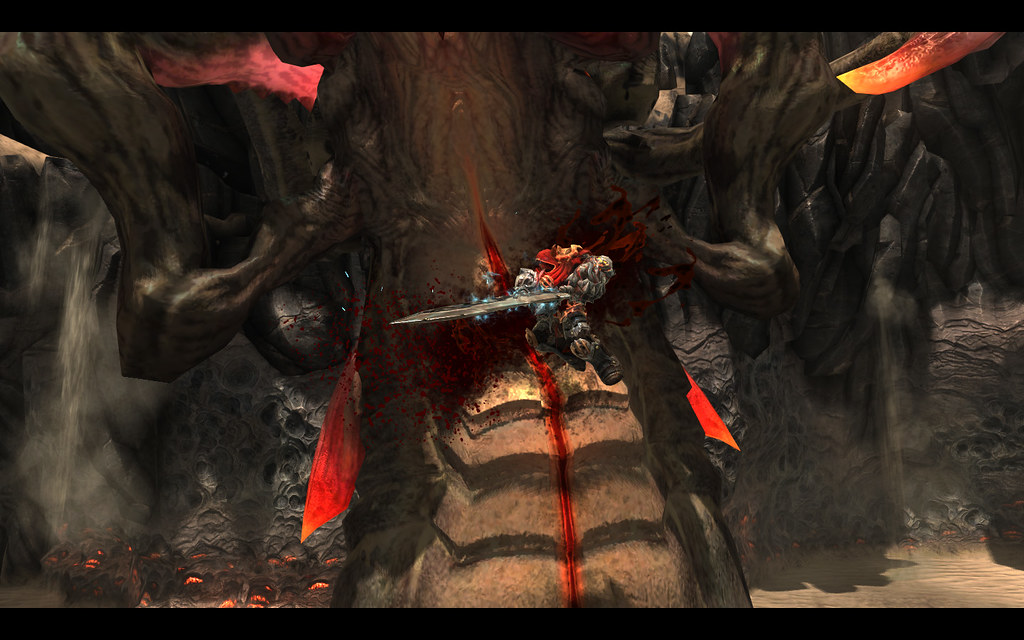
Darksiders


 @TheVoxelman on twitter


