
By using this site, you agree to our Privacy Policy and our Terms of Use. Close

Forums - Gaming - Street Fighter IV: How do you turn off autoconnect in arcade mode?

I want to play Street Fighter IV awhile, and unlock characters.  But, I do the arcade mode, and I keep getting people connecting to my game, disrupting my single player experience.  How does one turn this off?  I regretfully turned it on, and now I want it off.

It is a great feature, but only if it is OPTIONAL.



Around the Network

Pull out the Ethernet cable?


iPhone = Great gaming device. Don't agree? Who cares, because you're wrong.

Currently playing:

Final Fantasy VI (iOS), Final Fantasy: Record Keeper (iOS) & Dragon Quest V (iOS)     


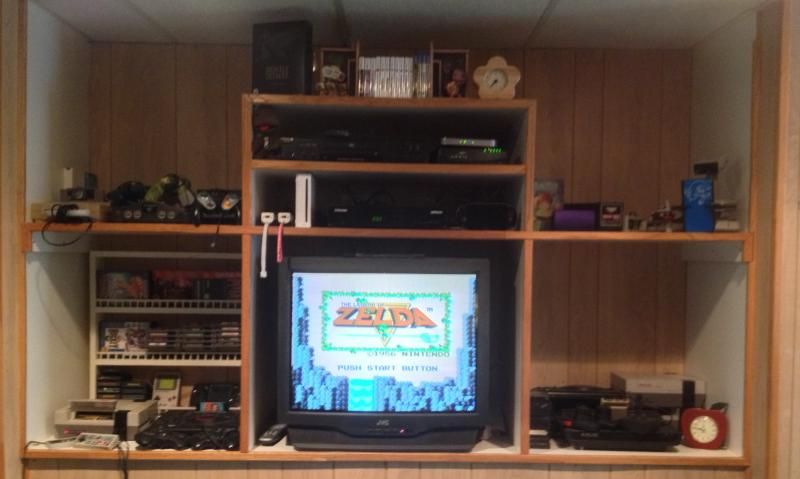
Got a retro room? Post it here!

Actually it is Right Bumper (XBox 360) for EDIT STATUS. And then set:
ARCADE REQ SETTINGS to... OFF.

Well, here is hoping


Euphoria14 said:
Pull out the Ethernet cable?

if all else fails

richardhutnik said:
Actually it is Right Bumper (XBox 360) for EDIT STATUS. And then set:
ARCADE REQ SETTINGS to... OFF.

Well, here is hoping


So I guess you figured it out then.

If that does not work however you can use the 100% effective solution I have provided.


iPhone = Great gaming device. Don't agree? Who cares, because you're wrong.

Currently playing:

Final Fantasy VI (iOS), Final Fantasy: Record Keeper (iOS) & Dragon Quest V (iOS)     


Got a retro room? Post it here!