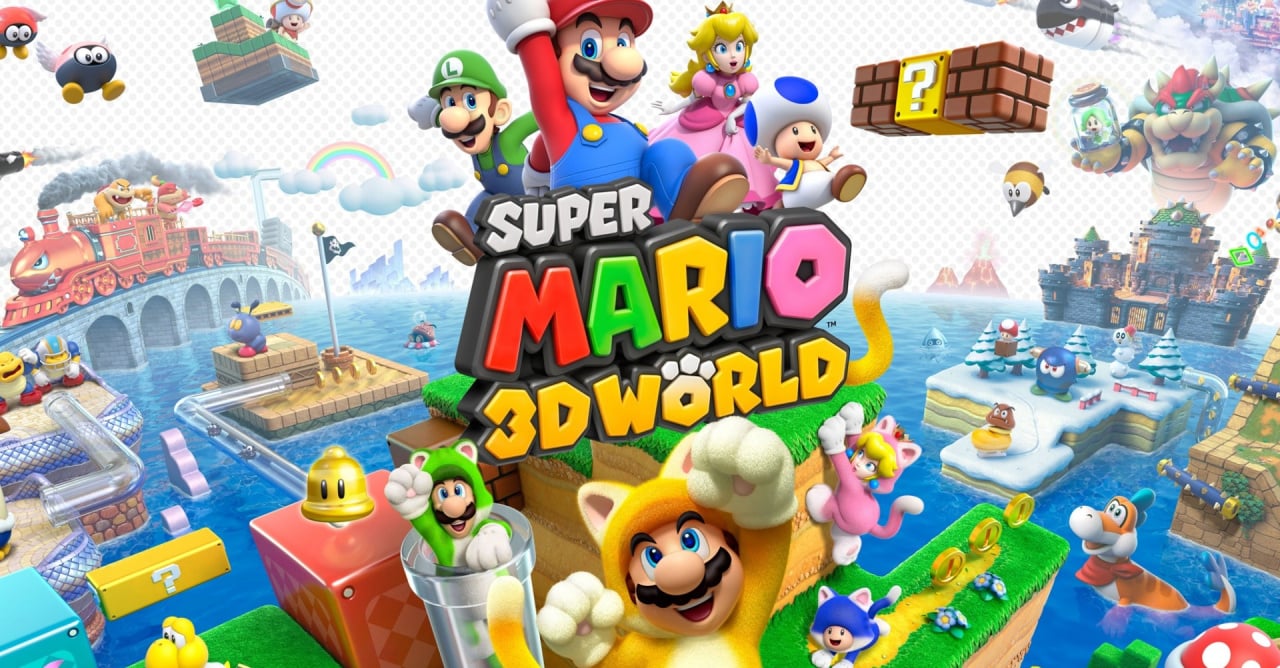
Live Super Mario 3D World Run Rules!: (last updated at 9-10 AM PST at April 7th)
You need a Wii U GamePad to participate
Take a look at these miiverse post to learn how to play this Live Run in five simple steps!
Step #1: Enabling Miivere Post
You need to be able to complete World 2-1 to enable Miiverse posting at the end of the level! Since we're using Miiverse to fact check and see our time, this is essential!

Step #2: No Power ups at the Beginning!
You must start the first level of our Live Run event with no power ups or a power up reserved! A simple way to start like this is to use up all your reserved item and die at a level. You will start off with no abilities but not a mini character as well. Treat this as if its your first time starting the world! However lives over 5 is okay!

Step #3 The First Miiverse Post
All particiapnts must post a miiverse screenshot of the beginnning of level 1-1 once the clock hits the time of the live run. So if we planned for the event at 7:30 PM ET, do not post a miiverse screenshot before the time of the event. Posting it after 7:30 PM ET is okay. Better late than never in this case!
The screenshot should be done after the intro scene of level 1-1. It should also show your character with no power ups or items reserved. Here's how the picture should look.

This prevents people from starting too early and gaining an upper hand.
Step #4: Miiverse posting at the end of level
After you complete a level you can make a Miiverse post. Make sure to touch/click the Green post button right away! This is how you will make a miiverse post that will tag the level's name to it. You need a Wii U GamePad to create this post.

Warning: If you click A too fast, this option will disappear. You will have to restart the level until you click the green post button and make a Miiverse post.
Tip: After finishing a level, frequently tap at the right side of the screen to avoid tapping the A button and restarting the level. Tapping will not exit the screen above.
For example notice the level's name and the time stamp given to the post below.

UPDATE (April 7th): However, to make a specific time stamp appear, you must place a stamp or tag an impression/question/etc to the post. If you don't, the post will say an "x hour ago" or "x day(s) ago." after a certain amount of time has passed.
Stamp Ex:
 https://miiverse.nintendo.net/posts/AYMHAAACAAADVHiFpV14tA
Impression/Question/Etc tag example: https://miiverse.nintendo.net/posts/AYMHAAACAAADVHiIodhyrw
(Posting screenshot also works, but remember they are subjected to Miiverse' two minute spam filter. That's why we're using the green post button at the end of the level!)
Step #5: Link your Miiverse Profile Page
Please copy and paste the link to your miiverse user page and post it in on this thread after you finished the run. This will let users see all the levels you completed.
For example if you click on my link (https://miiverse.nintendo.net/users/Skha07/) --> User page --> Activities:

These posts will appear!
Remember to tag an impression/question/etc for the miiverse post or place a stamp so a specific time will be recorded after a day has passed.
(optional)
It's best to not post anything in Miiverse right after or in between so we can easily browse the list of levels you've tagged and completed.
Step #6 Know what levels to play!
Look at the post below this one (http://gamrconnect.vgchartz.com/post.php?id=7192394) to see what levels you will have to play.
That's it! Just 6 simple rules involving the game and Miiverse!
If any rules need to be clarfied in further detail or you have any other suggestion, please feel free to let me know!