

Before i post my Pics' heres how to post photo's you have taken within GT5's Photo Mode or Replay Photo Modes'...
1.) Take Pic.
2.) Go to you Photo Album inside GT5.
3.) Find the photo's you wish to showcase, Hit triangle to bring up the Photo options menu.
4.) Click on Export to XMB - Hard-drive (it will say 501 MB needed, but thats a huge lie, ignore it)
5.) After all the photo's you want to showcase are exported to the PS3's XMB exit out of GT5 and Insert PSP OR USB Memory Stick - Or if you have an Older PS3 model you can also Use SD Cards - Pro Duo Memory Cards - Really anything that can save photo's to...
6.) Next go to your photo menu on the XMB and find where the photo's saved, they should all be in the same folder.
Hit triangle on one photo and select Copy Multiple, in the box that pops up check Yes to all, then click copy multiple again and select all the photo's you want to bring to your PC.
7.) After everything is copied to your memory device unplug it and then plug it into your computer, boot the computer go to "My Computer" and select "Removable Disc" or something along those lines...thats your save device, and make sure the photo's are there, but done do anything just yet.
8.) Go to Photobucket or w/e photo hosting site and upload all the shots and then post them here! yay us!
Alright ill start!


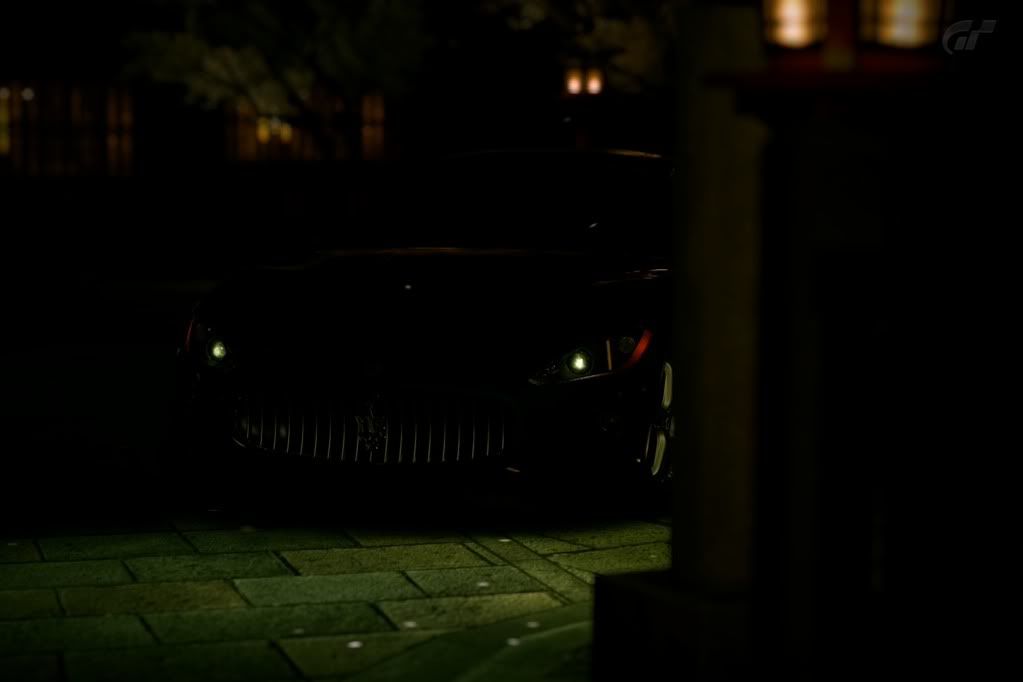


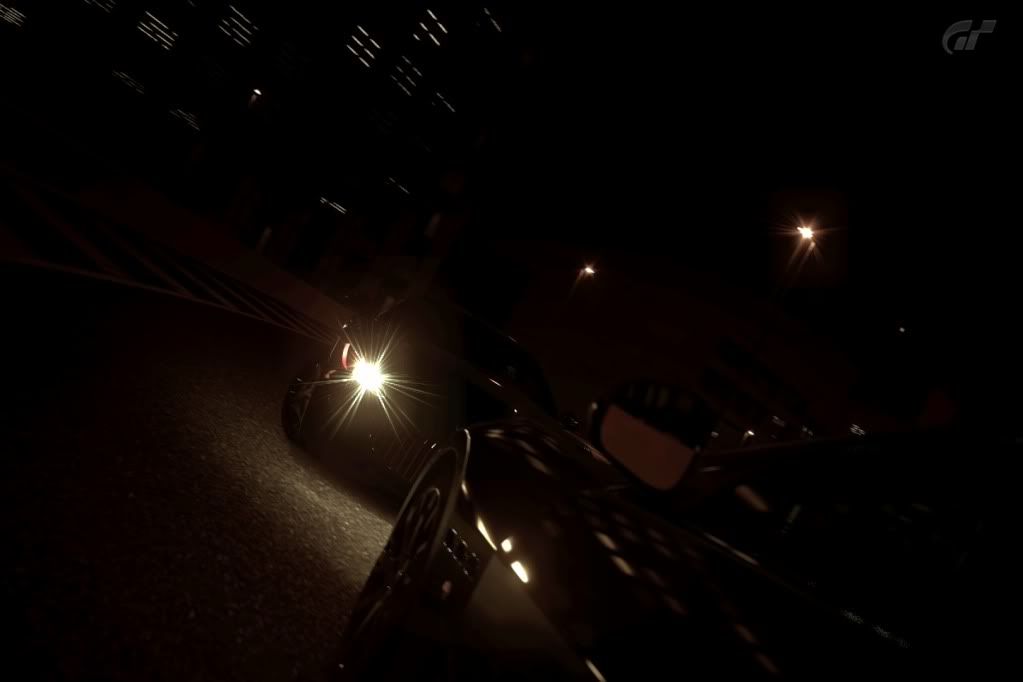

I have a thing for darker shots :P-- Edit:--- Had to resize the shots to post so they look a bit odd but there ya go
...uhh...ill just put my favorite quote of all time here.
"Welcome to Pain, the second of three...You have dealt the first...now deal with me!!"