









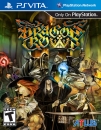
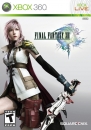
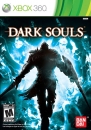
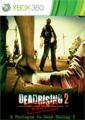
The way that this works is that instead of having the title show up in your “Ready to Install” list you head to your friends list and search for a game in their recent activity and then use that to get to the store page. While you can’t purchase any of these games if they are games that you have purchased before digitally, owning the game physically wont work yet, then you are able to download the game for free.
If you follow the steps below then you should be able to find the games that you are looking for:
1) Be friends or follow someone who is in the Xbox One Preview Program
2) Go into their recently played games, or the “Popular with friends (last 10 days)” menu in your activity feed.
3) Once you find an Xbox 360 game that you have digitally purchased in the past select it and it will bring up an information screen about the game.
4) Scroll down and click on the icon where it says “View in store”
5) From there you should get the option to download to your Xbox console


