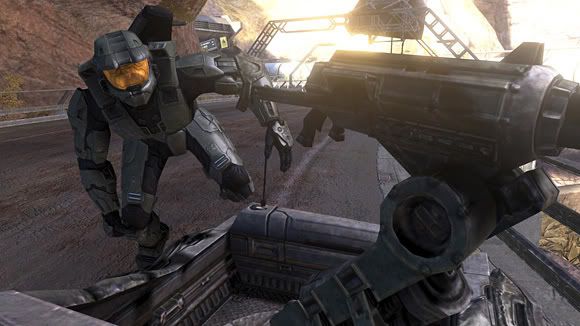
| Lost tears of Kain said: yea didnt work for me either sieanr show us how scot! |
Log onto your Bungie Service record, then choose 'Hi-Res Screenshots' from the menu.

A list of all your screenshots will come up. Find the one you want and click on the thumbnail.
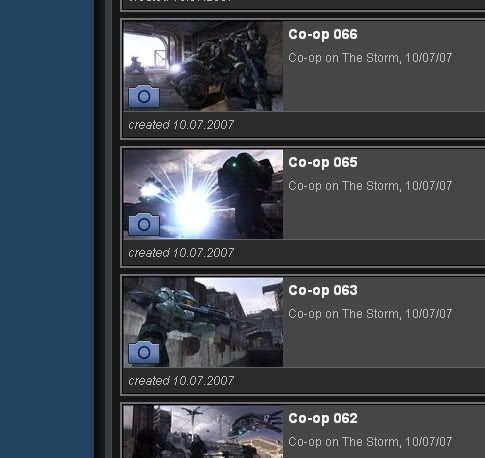
A new window will pop-up with the image options.

You can right click on these smaller pictures and choose 'View Image' to save them at this size, or you can click on that little plus sign in the bottom left and save them in full-res. With the full-res picture, it's big enough to make desktops with. I take the full-res pictures and then shrink them down in Photoshop and upload them to photobucket to share. Bungie only keeps your last 30 hi-res shots, so if you want to save more than that, using photobucket is a good idea.
Once you've got them on photbucket, you can post them here without any problems.